Why I Replaced My Old Phone Cradle with a MagSafe Stand
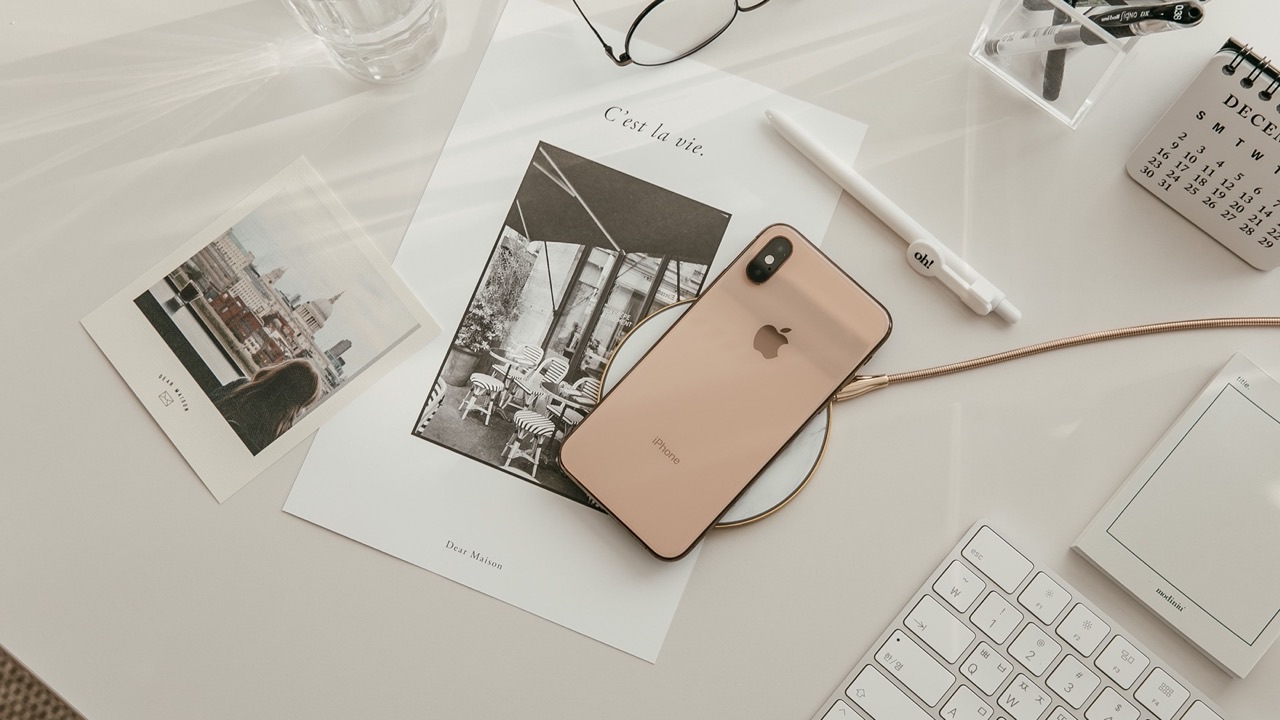
I used a friction-grip phone cradle on my desk for a couple of years. It did what it was supposed to do — held the phone upright, kept it visible while I worked, and didn’t cost much. I didn’t have strong feelings about it until I used a MagSafe stand for a few weeks and then tried going back. The difference was larger than I expected, and it came down to a handful of things I hadn’t consciously noticed about the old cradle until they were gone.
Getting the phone in and out
The friction cradle required two hands to use reliably. You pressed the phone into the grip with one hand while the other hand held the base to keep it from sliding. When you removed the phone, you had to squeeze or tilt it to release the grip, again with both hands unless the base was heavy enough to stay put on its own — which mine wasn’t.
This sounds like a minor inconvenience until you count how many times a day you pick up and put down your phone. Twenty times? Thirty? Each of those interactions with the old cradle involved a small amount of fiddling. Over the course of a day it was friction I’d stopped noticing, the same way you stop noticing background noise.
With a MagSafe stand, the phone attaches with one hand and releases with one hand. The magnetic connection does both. You reach, it clicks, you pull, it releases. Both of those actions happen in less than a second without looking. After the first week, reaching for the phone felt like reaching for a glass of water — no conscious process, no feedback waiting for the phone to seat correctly in the grip.
The grip marks
The friction cradle left marks on the side of my phone case from the grip mechanism. Not scratches exactly, but pressure impressions where the rubber or plastic contacts dug into the case over months of daily use. I noticed this only when I took the case off to clean it.
A MagSafe stand has no physical contact with the phone except the flat back surface, where the magnetic puck meets the phone’s back glass. There’s no grip, no pressure point, no mechanism that can leave an impression on the sides. The phone goes on and comes off magnetically, which is also gentler on the case than repeated mechanical grip engagement.
Charging: having it vs. having to plug in
My old cradle was just a cradle. Charging still required a cable plugged into the phone’s Lightning or USB-C port. So the phone was upright and visible, but I still had a cable snaking across the desk from the port to the power strip. The cable’s weight also occasionally shifted the phone out of position in the cradle.
A MagSafe stand with a built-in charging puck handles charging through the magnetic connection. There’s one cable from the stand to power; nothing connects directly to the phone. The desk surface has one less cable on it. The phone charges while it sits in the stand, and when you pick it up, there’s nothing to disconnect.
For people who charge intermittently through the day rather than just overnight, this matters. The old workflow was: notice battery getting low, find cable, plug in phone, unplug when done. With a MagSafe stand, the workflow is: put phone on stand, done. It charges whenever it’s in the stand. You stop managing charging as a separate activity.
Angle and position: fixed vs. adjustable
The cradle I had locked the phone into one position with minimal adjustment. You could tilt it slightly forward or back by adjusting the stand’s angle, but the range was limited. If I changed my chair height or moved the stand to a different spot on the desk, the viewing angle would be off and I’d spend a few minutes wedging something behind the base to get it right.
MagSafe stands with adjustable hinges let you set the tilt angle to whatever your eye level actually is. Set it once for your typical seated position and it stays. If you work standing for part of the day, you can adjust it. If you move the stand, you readjust in a few seconds rather than shimming the base with a book.
The desk cleanliness question
This is partly aesthetic and partly practical. The old cradle was a chunky piece of plastic with a visible mechanism. Not ugly, but not seamless either. It sat on the desk as a definite Thing.
A compact MagSafe stand takes up less surface area, has no mechanical gripping parts protruding to either side, and tends to look cleaner on a desk. The phone sits on it or comes off it without anything extending outward. For people who care about their desk setup looking considered rather than accumulated — not everyone does, and that’s fine — this is a genuine improvement.
Whether the switch is worth it
The honest answer is that a friction cradle works. It holds the phone, it doesn’t cost much, and most people adapt to its friction points without thinking about them. The peakzooc magsafe phone stand costs more than a basic cradle, and if you’re only using a stand to keep the phone upright while you work, the price difference might not be justified for you.
Where the switch makes more sense is if you’re also using the stand for charging, or if you’re taking the phone on and off the stand frequently enough that the one-handed magnetic attachment actually changes your workflow. Those are the scenarios where the difference between a cradle and a MagSafe stand shows up in daily use rather than just in comparison. For me, the combination of one-handed use and integrated charging was enough to make going back to the cradle feel noticeably worse — which wasn’t something I’d predicted before trying both.